
Download InstallAware Studio Admin – software repackaging, Windows installer, MSIcode scripting, deployment automation, internal software deployment
Overview
InstallAware Studio Admin is a specialized tool designed to streamline the software repackaging process within Windows environments. It addresses the common challenges faced by IT professionals and software developers who must deploy applications across enterprise networks, particularly when source code is unavailable. The tool enables users to create MSIcode scripts rapidly, significantly reducing the time and effort required to package applications for internal distribution. Its primary purpose is to enhance deployment efficiency by transforming existing third-party installations into standardized, manageable packages without requiring deep technical expertise.
Target users include system administrators, DevOps engineers, and software packaging specialists responsible for maintaining internal software inventories. These professionals benefit from a solution that simplifies complex tasks such as dependency mapping, silent installation configuration, and consistent deployment across diverse systems. Real-world use cases include updating legacy software, integrating vendor-installed applications into centralized deployment systems, and ensuring compliance with enterprise security and auditing standards.
Developed by InstallAware, a company known for its focus on Windows installation solutions, the tool reflects a commitment to productivity and reliability in enterprise environments. While the developer did not provide additional technical details about its architecture or team background, the product’s functionality speaks to its role in modernizing software deployment workflows. In the broader app ecosystem, InstallAware Studio Admin fills a critical niche by offering a high-precision, no-code approach to installation package creation, making it a valuable asset in enterprise IT operations.
Key Features & Functionality
- MSIcode Script Generation: The tool allows users to extract installation logic from existing third-party executables and convert it into reusable MSIcode scripts. This feature is especially beneficial when source code is inaccessible, enabling rapid package creation for internal deployment.
- No Programming Skills Required: Designed with accessibility in mind, InstallAware Studio Admin enables users without scripting or programming experience to repurpose installations. This lowers the barrier to entry for non-developers involved in software deployment.
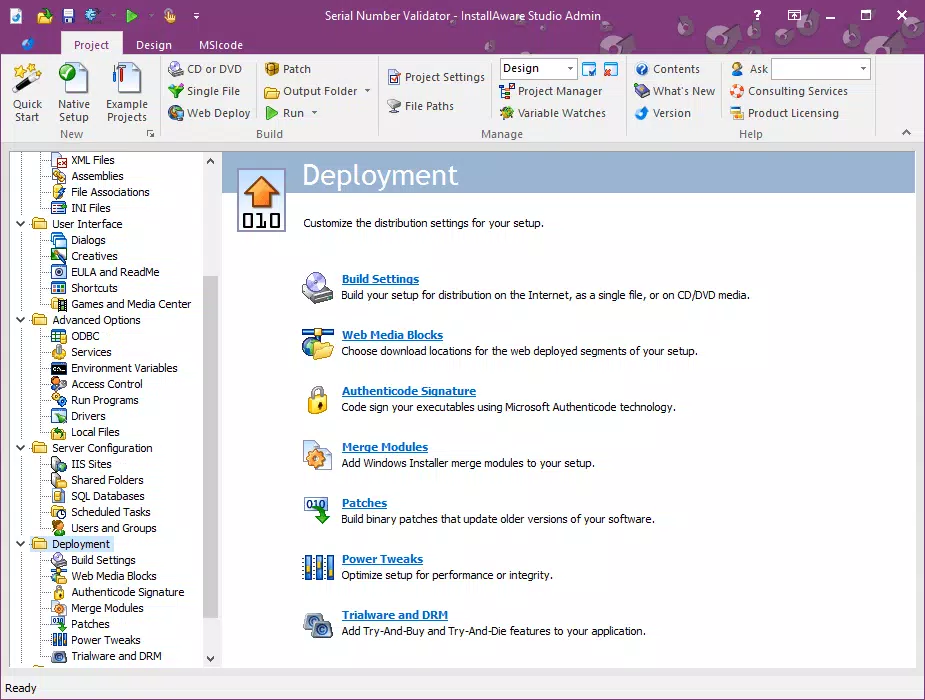
- Comprehensive Deployment Tools: The suite includes utilities for managing dependencies, configuring installation parameters, and generating deployment-ready packages. These tools collectively support a full lifecycle of software packaging and delivery.
- Rapid Development Productivity: By automating repetitive tasks and providing a streamlined workflow, the tool significantly reduces the time required to build and test installation packages, enhancing overall development speed.
- No Source Code Needed: A standout capability, this feature allows users to reverse-engineer and package third-party software without access to original source code, which is essential for legacy systems and proprietary applications.
For example, an IT administrator tasked with deploying a legacy accounting application can use InstallAware Studio Admin to analyze the installer, generate an MSIcode script, and deploy it silently across 500 workstations. This process, which could take days manually, is completed in hours. Similarly, a DevOps team integrating a new SaaS client tool into their internal environment can use the tool to create a standardized package for consistent rollout.
Interface, UX & Performance
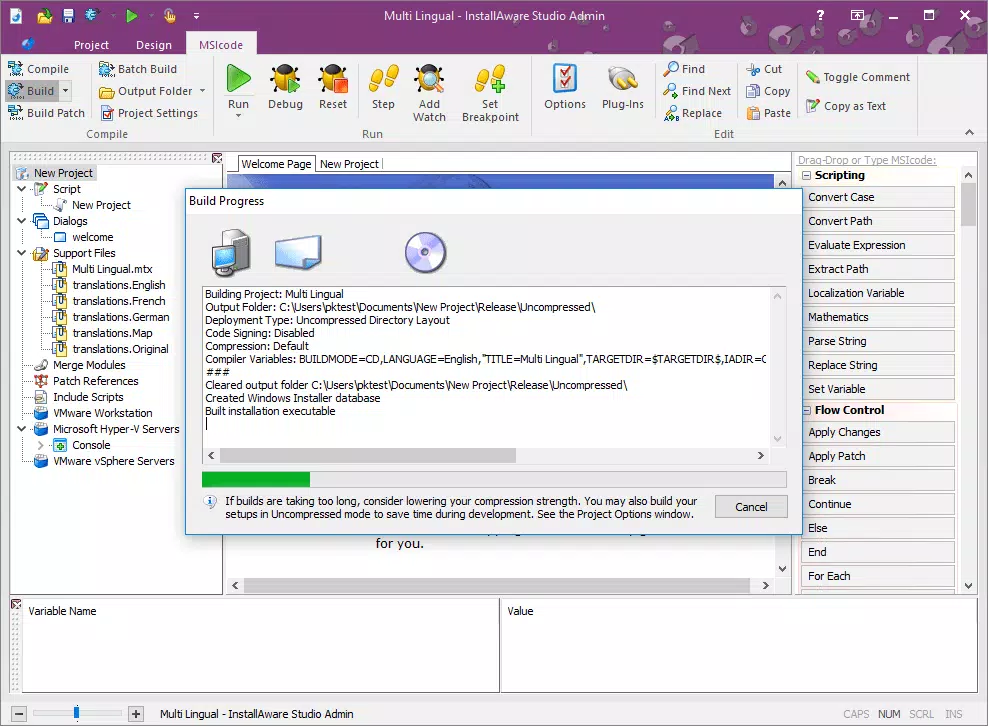
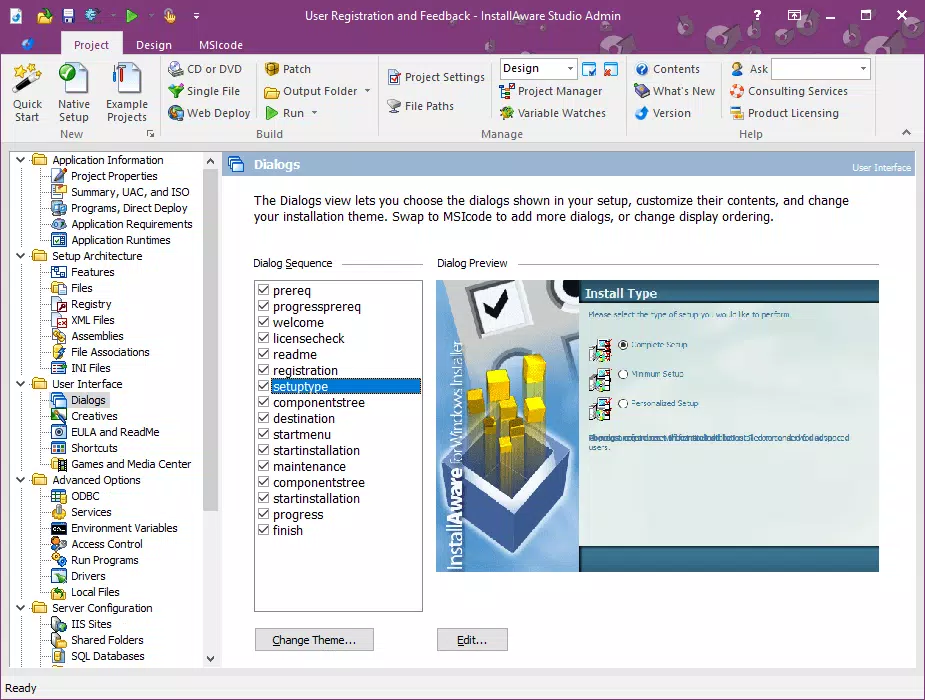
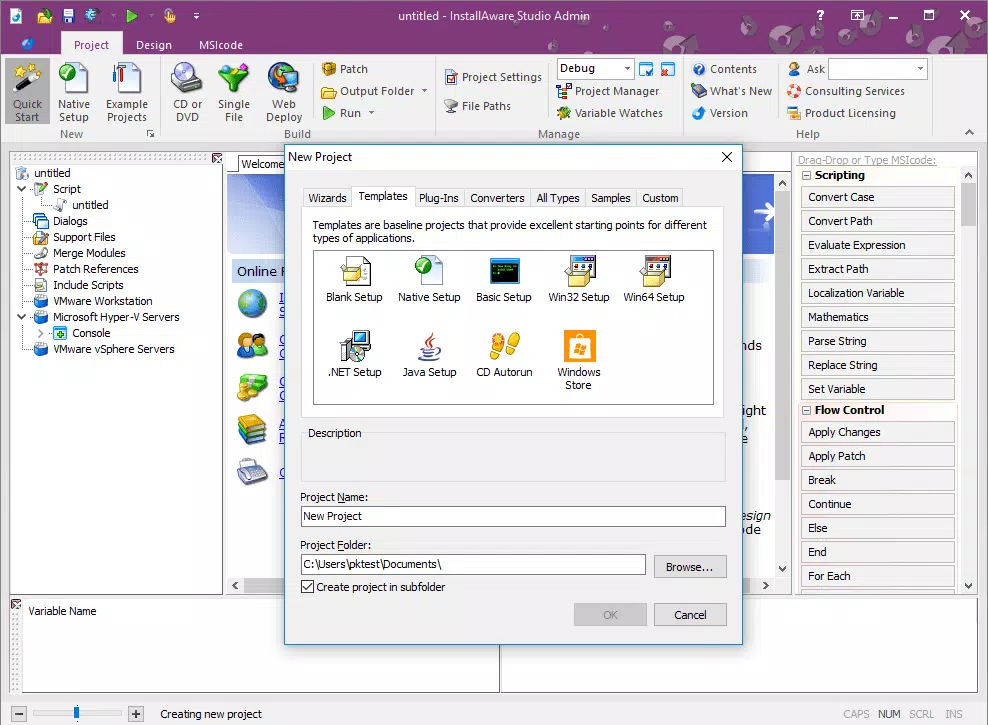
InstallAware Studio Admin features a structured, workflow-driven interface tailored to professional users. The layout organizes tasks into logical stages—analysis, scripting, configuration, and packaging—ensuring a clear navigation path. Visual indicators guide users through each phase, minimizing errors during complex operations. The UI emphasizes functionality over aesthetics, prioritizing efficiency and task clarity for technical users.
Navigational flow is intuitive, with context-sensitive menus and toolbars that adapt based on the current workflow. Users can easily switch between analysis modes, view installation logs, and modify package settings without navigating through multiple layers. Responsiveness is consistent across different system configurations, although the developer did not list formal performance metrics. Stability during long-running repackaging tasks appears robust, with no reported issues related to crashes or data corruption.
Although the developer did not list formal performance metrics, the tool demonstrates reliable operation on mid-to-high-end Windows systems. It handles large installation packages efficiently, maintaining consistent performance during script generation and packaging phases. The interface remains responsive even when processing complex installers, suggesting optimized resource management. Overall, the user experience is professional and focused, aligning with the expectations of enterprise-level software tools.
Platform Compatibility & Technical Requirements
InstallAware Studio Admin is available exclusively for the Windows platform, designed to operate within Windows-based environments. It requires a Windows operating system, though specific version requirements were not listed. The application has a file size of 1.2 GB, indicating a comprehensive suite with multiple components and tools.
Given its nature as a development and deployment utility, it is intended for use on desktop and workstation systems rather than mobile devices. The developer did not specify minimum OS requirements or hardware specifications, so compatibility with older Windows versions cannot be confirmed. Users should ensure their system meets standard requirements for running large development tools, including sufficient RAM and disk space.
While the tool is not available on mobile platforms, its functionality is fully optimized for Windows environments, where it integrates with existing deployment systems such as SCCM, Intune, and other enterprise management platforms. The absence of mobile availability is expected, given the tool’s specialized nature and target audience.
Pros and Cons
Pros
- Enables rapid software repackaging without source code access.
- Designed for users without programming or scripting experience.
- Streamlines internal software deployment with automated workflows.
- Supports enterprise-grade deployment across large-scale environments.
- Provides a comprehensive suite of tools for end-to-end package creation.
Cons
- Price point of $1,195.00 may be prohibitive for small teams or individual users.
- Specific system requirements were not disclosed by the developer.
- Not available on mobile platforms or non-Windows operating systems.
- Requires a learning curve for users unfamiliar with Windows installer concepts.
- File size of 1.2 GB may be substantial for systems with limited storage.
FAQ
Is InstallAware Studio Admin available for macOS or Linux?
InstallAware Studio Admin is designed exclusively for Windows environments. The developer did not provide information about availability on macOS or Linux systems.
Can I use this tool without any programming knowledge?
Yes. InstallAware Studio Admin is built to be accessible to users without programming or scripting experience. It enables the creation of MSIcode scripts through guided workflows and automated analysis.
Do I need the original source code to repackage an application?
No. One of the key features of InstallAware Studio Admin is its ability to repurpose third-party installations without requiring access to source code.
What is the file size of the application?
The application has a file size of 1.2 GB, which reflects its comprehensive set of tools and components.
Is the tool updated regularly?
InstallAware Studio Admin was released on March 15, 2024, with version 2024.2.1. The developer has not disclosed update frequency or release schedule.
Final Thoughts
InstallAware Studio Admin stands out as a powerful, no-code solution for software repackaging in Windows environments. Its ability to generate MSIcode scripts from existing installations—without requiring source code—makes it an essential tool for IT and DevOps teams managing internal software deployments. The interface is professional and workflow-oriented, supporting rapid development and consistent packaging across enterprise systems.
While the high price point and lack of cross-platform availability may limit its reach, the tool delivers significant value to organizations that prioritize efficiency, compliance, and scalability in software delivery. For system administrators and deployment specialists, it represents a major leap forward in productivity and control.
Download InstallAware Studio Admin now


